

There will be many instances when you have to add custom CSS to your WordPress site if you wish to change the styling of your site.
While most of the top-quality WordPress themes offer you the built-in option to add custom CSS, you will need to use a custom CSS plugin if your theme doesn’t have that feature.
The good thing is that there are many amazing custom CSS WordPress plugins available for free that you can use to get that done. We will have a look at those plugins in this article.
You always have the option to edit the core theme files to make changes you want, but you will have to keep track of the changes and back up those files so that you don’t lose them.
The custom CSS plugins will help you to enhance the appearance of your WordPress site without having to touch the core files of the theme.
And the advantage of using a plugin for the CSS is that you will not lose the style changes you have done when you update your main theme, because the styling will be in the plugin.
So, if you have the question, how to edit the CSS in your WordPress site? Here is your answer; just install any of the custom CSS plugins mentioned in this article and get started.
Aldo Read:
Top Custom CSS WordPress Plugins
CSS Hero
One of the most advanced and modern CSS code editors for WordPress, the CSS Hero plugin brings a lot of power into your hands as far as the styling of your site is concerned.
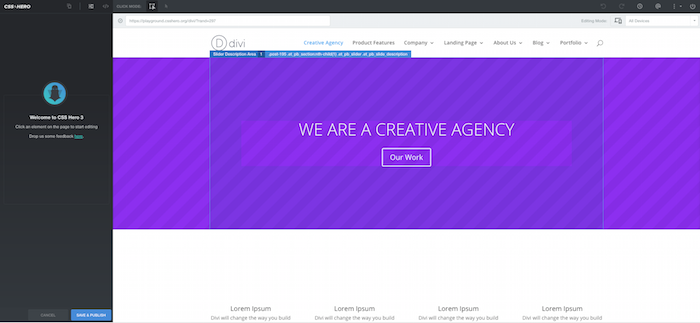
The live customizer offered by CSS Hero gives you the most intuitive editing experience. You can just click on any element on the site and start editing; it is that simple.
With CSS Hero, you will have complete control over the customization you wish to do. You will always have a preview of the changes you are making and how they look on every device.
For the responsiveness, you can have the standard breakpoint or add a custom one as per your requirement.
With CSS Hero, you will have important elements like the color scheme of your site, typography at your fingertips.
Here you can see a demo customization of the popular Divi Theme. You click on the section you wish to edit and start editing.
YellowPencil
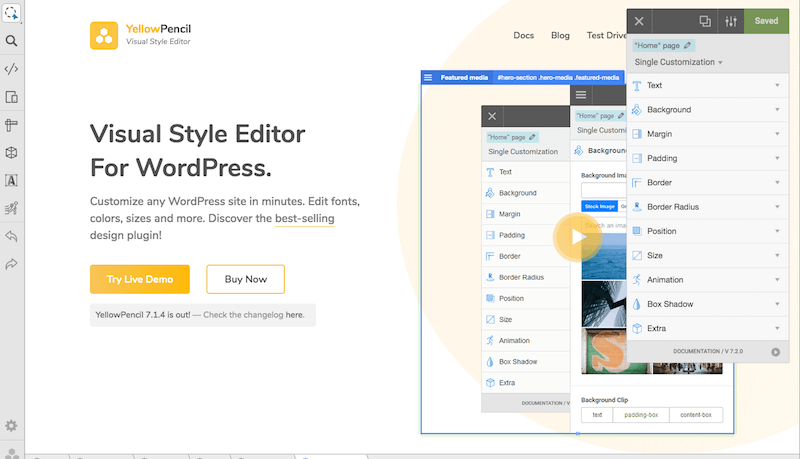
Another high-quality CSS editor for WordPress sites, the YellowPencil plugin can help you change things around quickly, even without CSS knowledge.
It’s a visual design plugin that you can use to just click and edit. You don’t have to write any code. If you wish to make the size bigger for a section, all you have to do is drag it.
It is a complete style management plugin. You can also manage fonts for your site using the YellowPencil plugin.
Other than editing, the plugin offers you a lot of CSS elements that you can use to style your site. For example, the CSS gradient option is a nice addition to the list.
Simple Custom CSS
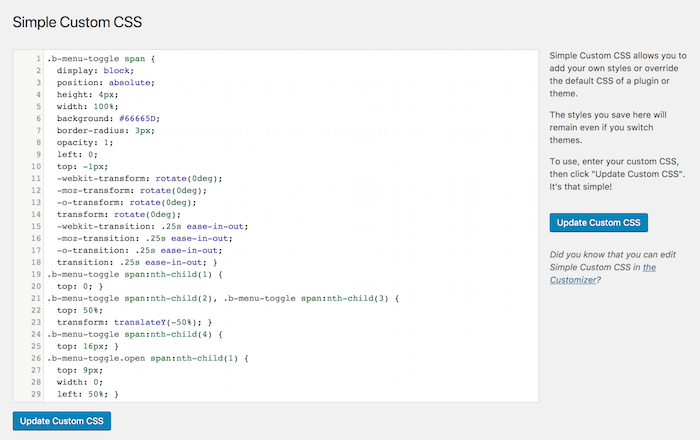
As the name suggests, this is a simple, free WordPress plugin to add custom CSS to your WordPress site. You can quickly edit the CSS and override the default theme styling any time you want.
With over 300k active installations, it is one of the most widely used CSS editing plugins for WordPress.
This is plugin offers you a very simple and easy-to-use CSS code editor that is controlled in the default WordPress customizer.
You also have the code syntax highlighter option to make it easier.
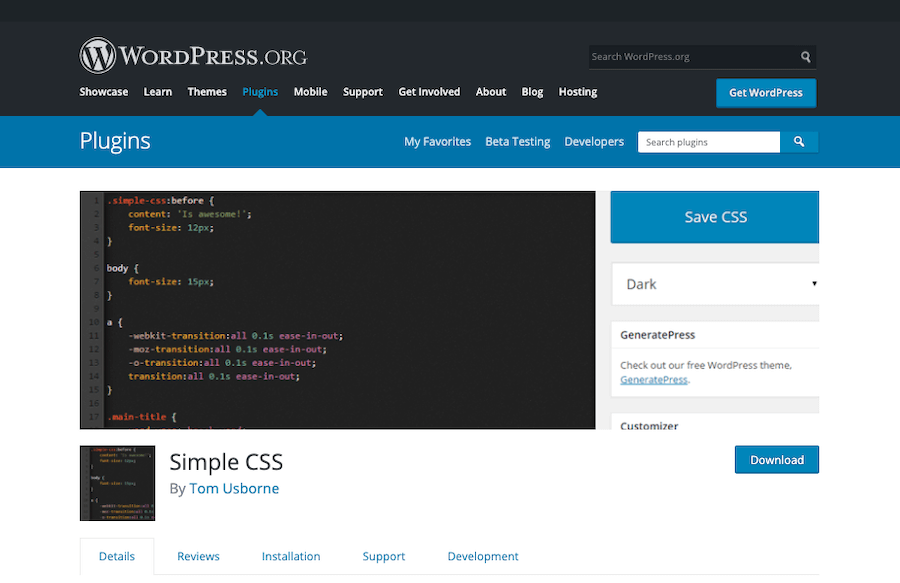
Simple CSS
With over 100k active installations, the simple CSS plugin is one of the most widely used custom CSS adding plugins. It offers a very simple interface to make it easier for all users.
The plugin adds the option to add CSS code easily in the WordPress customizer. So, you can add CSS with a live preview of the changes you make.
Another advantage is that you can add the CSS to any custom post or page; you have a simple meta box to help you add the code to a particular page.
WP Add Custom CSS
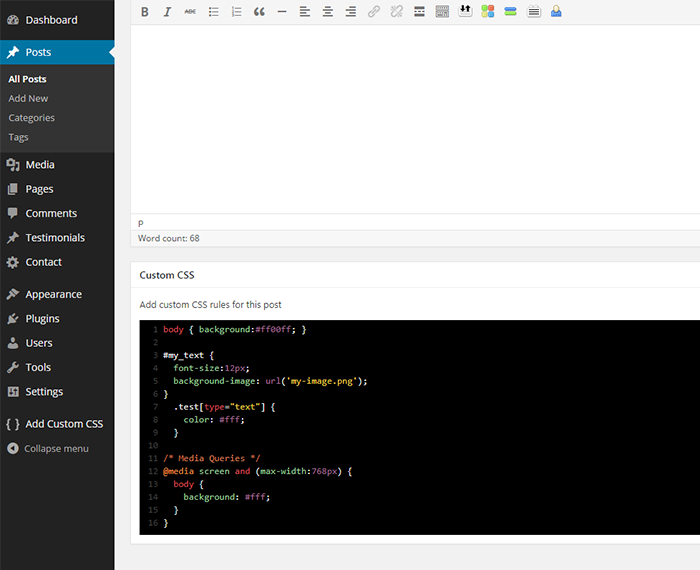
WP Add Custom CSS is another simple plugin to add custom styling to your WordPress site. You have the option to add the styling to the entire site or individual posts and pages.
When you add styling to the individual post or pages, it will override the main stylesheet and apply the changes.
The plugin makes it very easy for users by adding a custom CSS section below each post or page editing section, so that you can quickly add custom styling to any of the posts.
Advanced CSS Editor
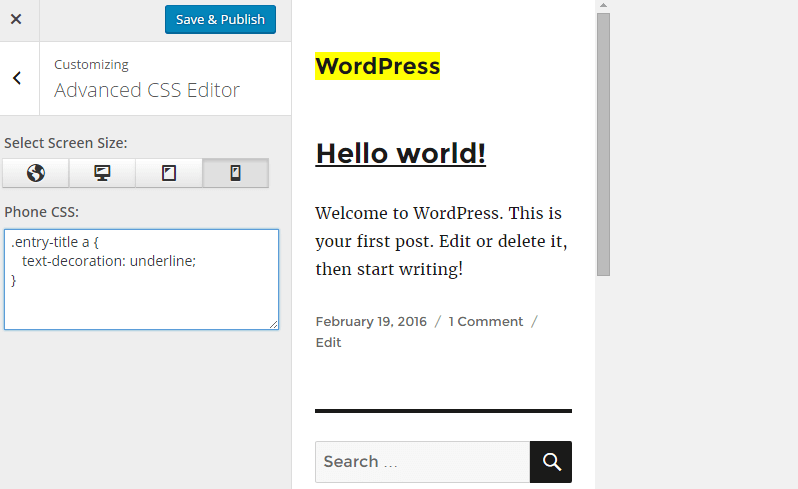
Advanced CSS Editor makes it simple for WordPress users to write custom CSS for their site right from the WordPress Customizer.
You can easily add different CSS codes for different devices to make it look perfect on every device.
The best part is that you can have a live preview of the changes you are making before making them live on your site.
You also have the option to minify the CSS code to improve the site speed. So, overall, this is a great CSS editor that makes it simple and easy for users.
Genesis Extender Plugin
Genesis is one of the most widely used and popular WordPress theme frameworks. It is a very secure and SEO-friendly design framework that is used by a huge section of WordPress users.
Genesis works in a child theme-based model, so you will need the main framework theme and a Genesis Child Theme to make it work perfectly.
Genesis Extender is a tool that is created to edit Genesis-based themes. It offers you amazing editing features and options to take your Genesis site to the next level in terms of design.
SiteOrigin CSS
SiteOrigin CSS is another very handy CSS editor for WordPress sites. The plugin will work with any WordPress theme, so no matter where you got your theme from, you can style it using the SiteOrigin CSS editor.
The live visual control offered by the plugin makes it fun and simple for users to make changes on their site.
Modular Custom CSS
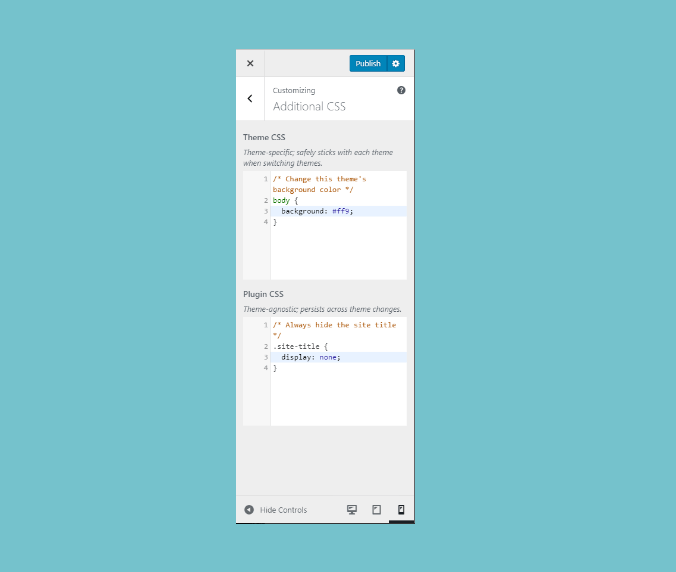
This is a very useful custom CSS WordPress plugin. This is perfect because the CSS changes you do will stay with the theme when you change to some other theme.
As it uses the live customizer, you will have a preview of the style changes you are making before they go live on the site.
Head & Footer Code
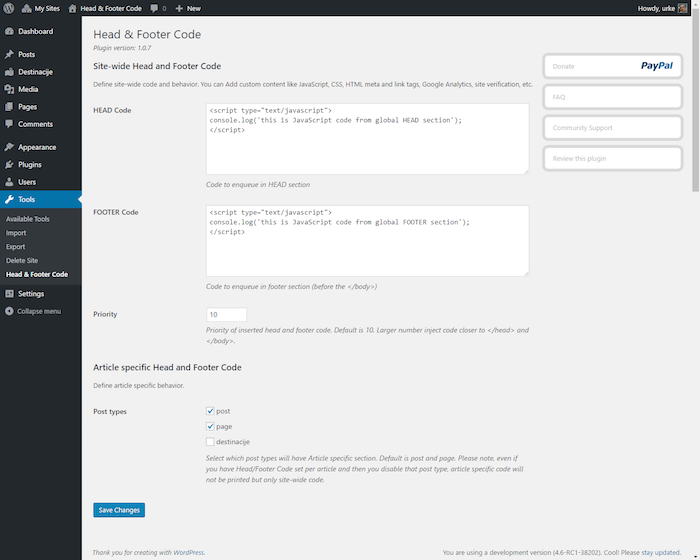
This is a very useful plugin for any WordPress site. Even if you don’t want to add any custom CSS, this plugin can still do a lot for you.
There will be many instances when you will have to add code to the header and footer sections of your site, and this plugin will help you to get that done easily.
In fact, this plugin will help you to do regular tasks like adding the Google Analytics code to your site. Whenever you need to add any custom sitewide code, this plugin will be used to get that done quickly.
Code Snippets
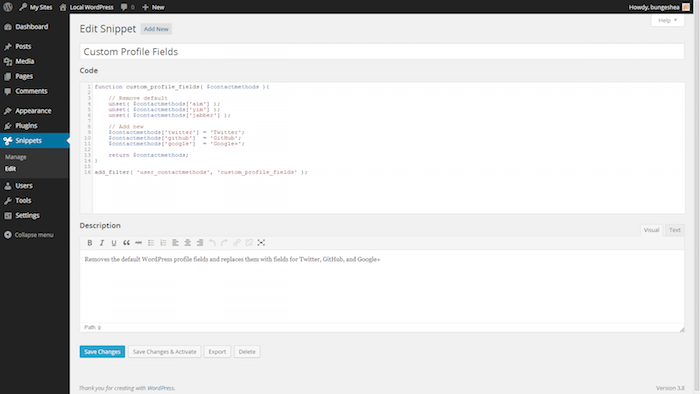
Whenever you need to add any custom code to your site, this plugin becomes very handy. You can quickly add code to your top files, like functions.php, without editing the main theme file.
You can add code snippets; you have the option to activate or deactivate the snippets whenever you need them.
This plugin also gives you the option to import the snippets you created and transfer them to another site.
My Custom Functions
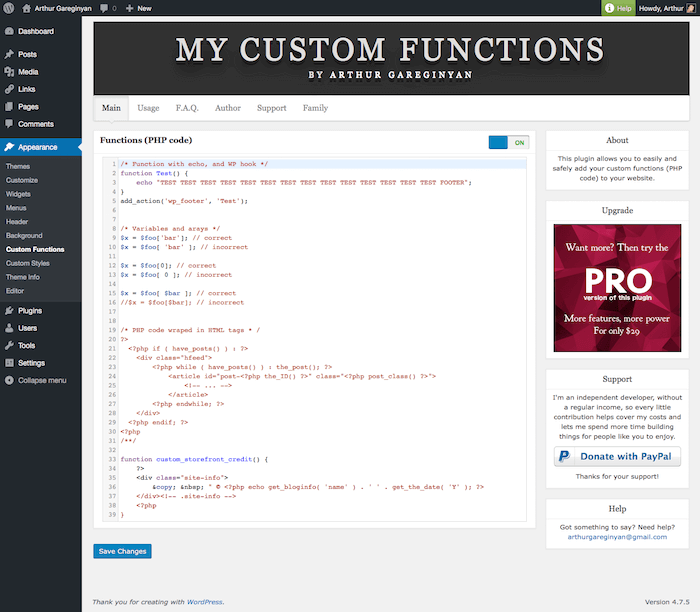
We talked about adding custom styling codes; what if you wish to add some custom function with PHP code? This custom function plugin will help you get that done easily.
So, you don’t have to edit the main theme files. It will be a perfect solution to keep track of the changes you have made because many times we lose track of the core theme changes, and it becomes a headache when we need to do some upgrades.
Final Word
The above-mentioned custom CSS WordPress plugins will help you to style your site as you like it, and they will make sure that your styling is intact even if you update your theme.
There is a couple of PHP function editors also in the list; those plugins will help you to add new functionalities to your site without having to edit the main theme files.
If you know any good quality code editor for WordPress, do let us know by using the comment form below.

Dhiraj is the founder of begindot, a huge WordPress enthusiast, a blogger who loves writing about WordPress, blogging and related topics.