


This is a collection of the best contact form WordPress plugins that will help you to have a very professional contact form so that your users can contact you easily.
Do you want to impress your website users with professional contact forms which provide support or information to them by creating incredible contact forms?
Then you are at the right place!
Below are some of the best contact form plugins that you can use on your WordPress website!
We have listed some other plugin articles; you will find the best options for various functionalities. Don’t forget to check those articles.
Top Content Form Plugins
Forminator
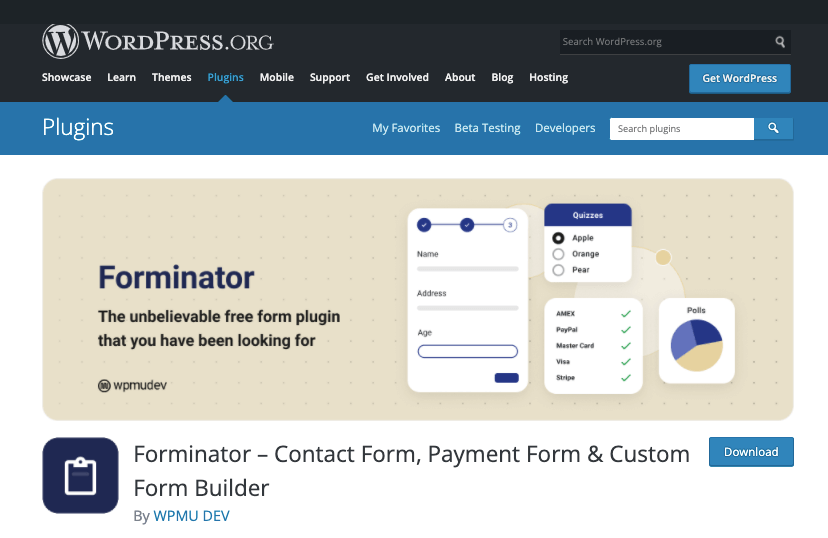
Forminator is a comprehensive form builder plugin by the WPMU DEV team. It comes with a free as well as a premium version to choose from.
Along with the contact form, you can use this plugin to create all kinds of different forms that you may need for your site. The drag-and-drop form builder makes it simple for users to create a highly customized form with ease.
The plugin offers you more than 25 different form fields that you can use on your form. And you can integrate more than 1000 different apps into your form.
You can integrate payment gateways into your form in case you need to collect payments from your users. You can integrate it with email service providers and use it as a lead generation system, and so on.
You will get access to all the features the plugin has to offer in the premium version. Make sure to get a 20% exclusive discount using our link below.
HubSpot Forms
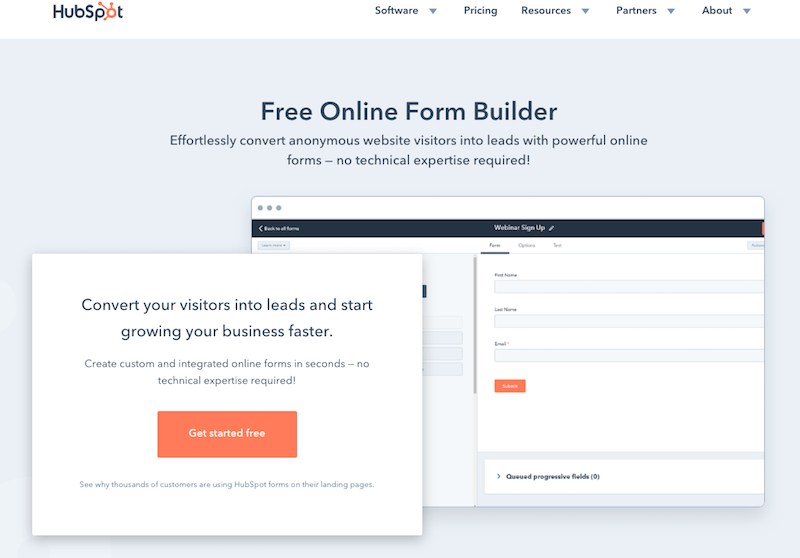
As an entrepreneur, you need to pick the right tools that can help you grow your online business faster and better. With HubSpot‘s form builder, you can effortlessly convert anonymous website visitors into leads.
The best things about HubSpot Forms:
- Works on any platform
- Let’s you build any form easily, using a drag-and-drop functionality
- Let’s you create up to 1,000 form fields using a dozen different field types
- Let’s you embed your form onto your website in seconds – no technical expertise needed!
- It’s 100% free
Everyone who fills out your form will be automatically routed into HubSpot CRM, which is 100% free as well. You can further manage the relationship with that person by setting reminder tasks, calling them, or sending them a personalized one-to-one email.
WPForms
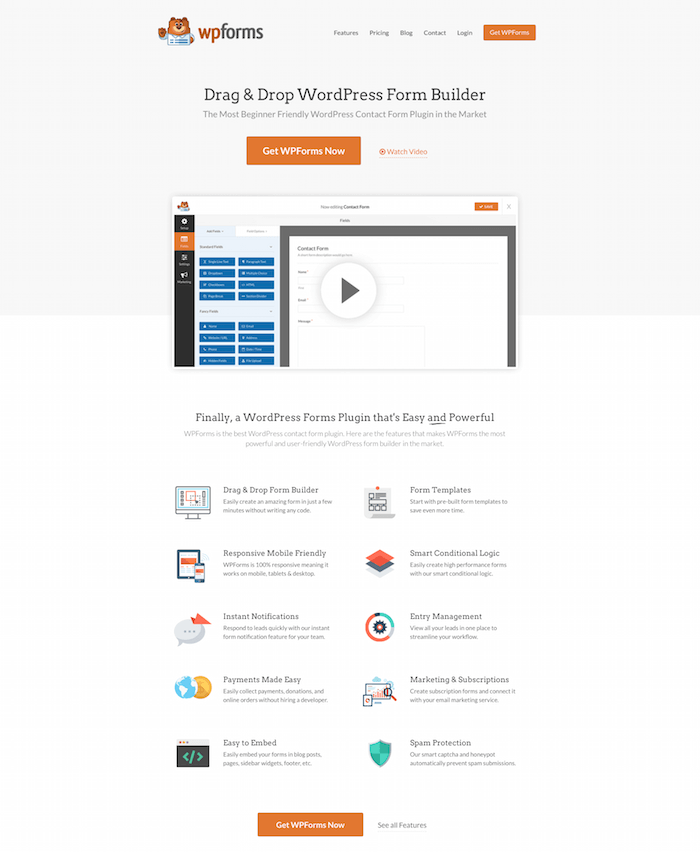
One of the top contact form WordPress plugins, WPForm, offers you huge flexibility to create the perfect form for your site.
We have been using WPForms for this site and a couple of other sites that we are managing. This is a drag-and-drop form builder for WordPress with all the important options you need to create your form.
This form builder gives you the option to create your form with additional filters and logic, making it a great option.
If you are using the same content form to get the entries for the guest post, advertisement request, and other options, you can add the select option to make it easier for the users and for yourself.
You can use this form builder for many other functions, like registration forms, payment forms, email opt-in forms, etc.
Elementor Form Builder
We all know Elementor as one of the most popular website builders for WordPress. You can use this plugin to create a unique design without any coding.
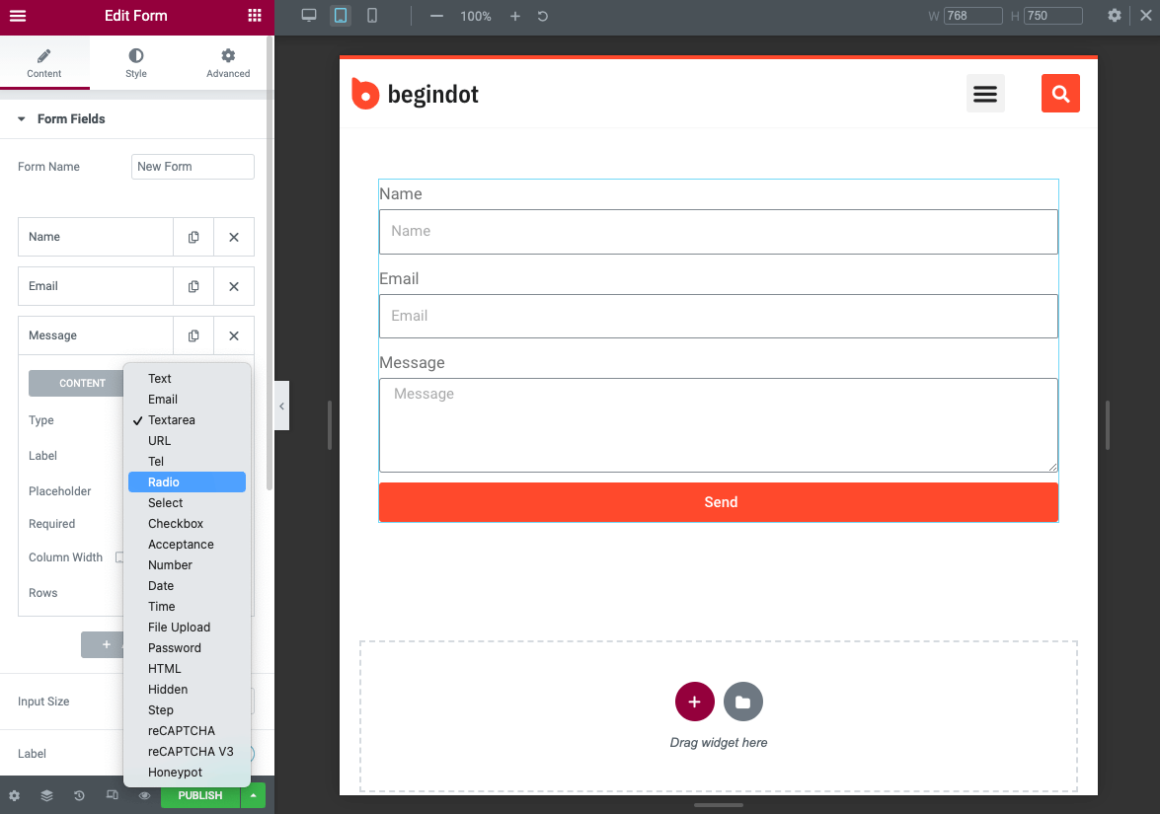
If you are already using Elementor to create your website, you don’t need another form builder for your site, as Elementor comes with a form builder as well.
You have amazing flexibility while creating a form with the Elementor form builder. It is a drag-and-drop builder. Just add the fields that you may need and make your site ready.
You can completely customize the design of the form, you can change the color combinations to make it look great.
Contact Form 7
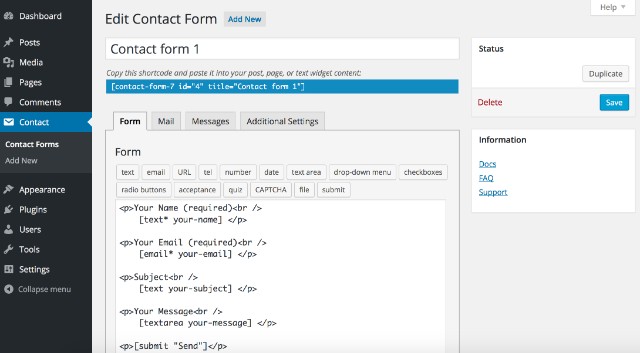
Contact Form 7 is one of the most used contact form plugins out of the whole WordPress plugins directory. The plugin features multi-page forms, an easy-to-use form builder, and much more.
The form submissions are very fast as the plugin uses forms based on AJAX and works quite well with themes and other plugins.
It also features a Captcha system to avoid spam, and the best part is, it is available for free!
Gravity Forms
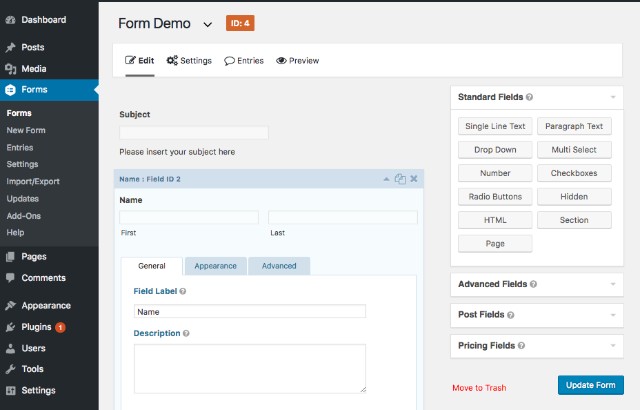
Gravity Forms is considered one of the best premium plugins out there. If you have your wallet ready to create some professional forms, then this premium plugin takes it to the next level.
Starting at $39 for a single website license and 199$ for unlimited websites featuring customizable multi-page forms, conditional logic, file uploads, calculations, scheduled forms, contest forms, and much more.
A unique feature of this plugin is the WordPress post creation, which allows your WordPress website users to create posts of their own that you can add to your blog section.
weForms
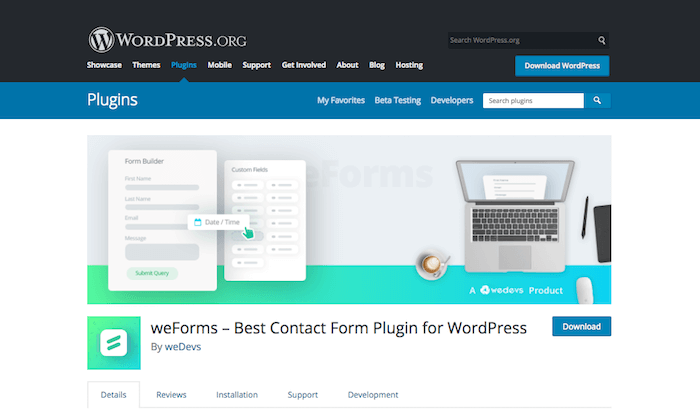
A fast and easy-to-use content form builder, rather than a complete form builder for WordPress, that you can use for free.
WeForms offers you a drag-and-drop form builder with multiple fields. You can have a real-time preview of your form before you make it live on your site.
It offers you many important features such as form restrictions, form redirections, form submission notifications, and a lot more.
eForm
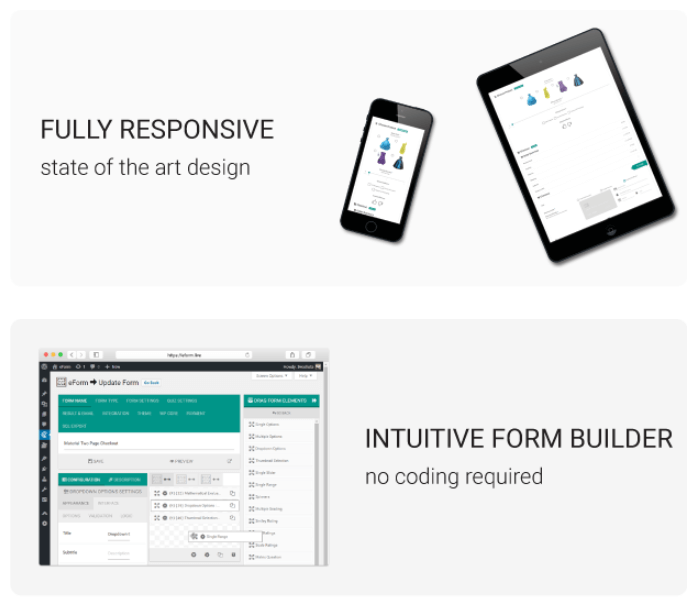
This form builder is a lot more than just a simple contact form. You can create any kind of form with this plugin, be it a survey form, feedback form, quiz, payment estimation, and more.
This plugin is pushing in new features on a regular basis, for example, the payment estimator with the pricing table was a new addition.
Formidable Pro
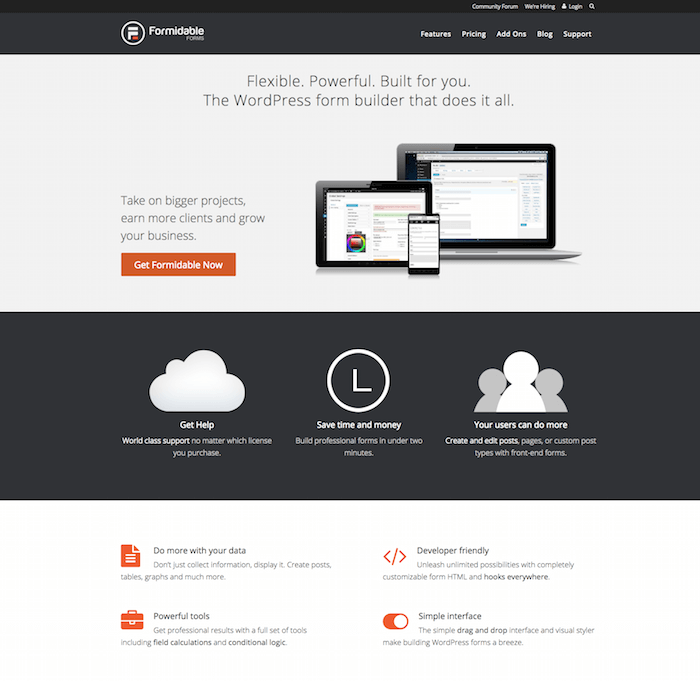
Another powerful form builder with tons of features. This form builder comes with an amazing drag-and-drop builder that will help you create a custom form with ease.
You can add custom fields to your form dynamically and collect multiple sets of information from your visitors.
You can also create multipage forms with the progress bar, which is an amazing feature and a common requirement for service providers to receive as much information as possible.
You can create smart forms with conditional logic and amazing calculations done for you in no time. You also have the option to set an autoresponder for the users.
Ninja Forms
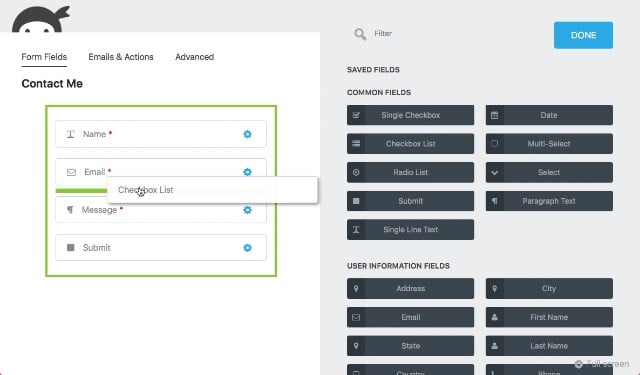
If you are fond of premium plugins but do not want to spend a buck, then this is the plugin you should be looking forward to for your next contact form.
It features almost all notable premium features, is user-friendly, including a drag and drop interface, multi-page forms, highly customizable form themes & a date-picker. No doubt this plugin is bang for the buck.
Pirate Forms
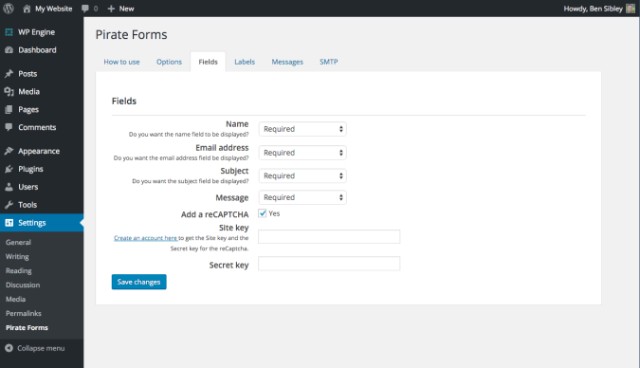
Pirate Forms is an easy-to-use contact form plugin out there, which takes a few seconds to set up with customizable forms and multiple ways to display them.
It features multi-page forms, radio buttons/checkboxes, MailChimp integration, SMTP, custom fields, and is also developer-friendly. The plugin offers both free and paid versions.
The paid version lets you access some exclusive form themes and also bundles shared hosting with them.
Form Craft
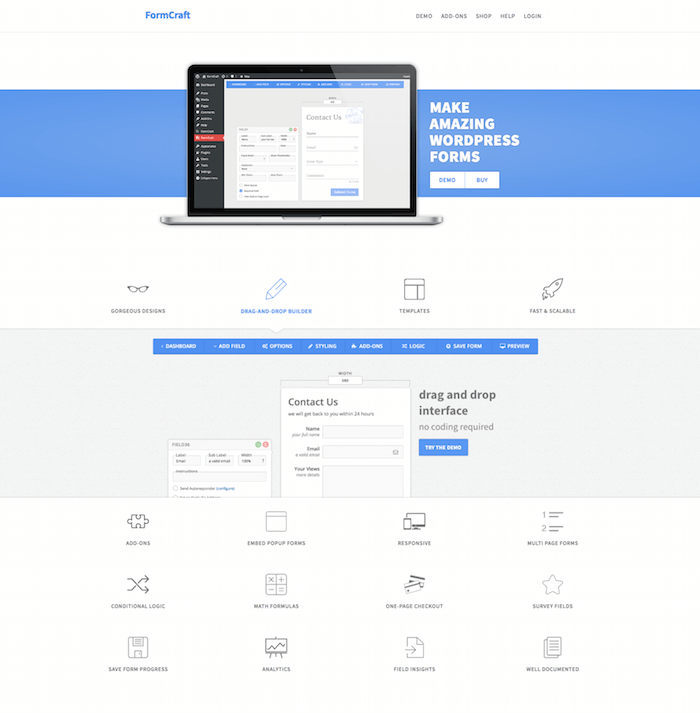
Another comprehensive solution to create a great-looking contact form on your WordPress site. The developer of this plugin has made things simple for the users by offering a drag-and-drop form builder.
The plugin offers you stunning form designs that you can use on your site. Also, you can create your own design as per your requirement and embed it on your site quickly.
You can use the friendly plugin interface to create your contact form. You have the amazing drag-and-drop form builder, you can easily drop any of the modules that you wish to have on your form, and edit them.
This is not a simple content form but a complete solution to create great-looking single as well as multi-page forms that you can use for any purpose.
You have a number of creative add-ons that will surely bring in a rich and modern feel to your form. You can also create a pop-up form if you need to attract your visitors’ attention.
Other than a simple form, you can use this plugin to create a survey form that will help you understand your audience better.
You will have complete analytics of the form to give you a complete and quick overview of your business.
Jetpack Contact Forms
Jetpack is itself one of the most popular plugins in the WordPress plugins directory, which connects any outsourced WordPress website to WordPress.com. It provides SEO & much more!
But what’s great about the plugin is that, among other amazing features, this plugin includes adding forms directly by clicking a button on the WordPress post/page editor.
It also consists of a Contact Form builder which is very user-friendly, provides visitor stats, helps in creating multiple forms, optimizes images, provides spam protection & much more.
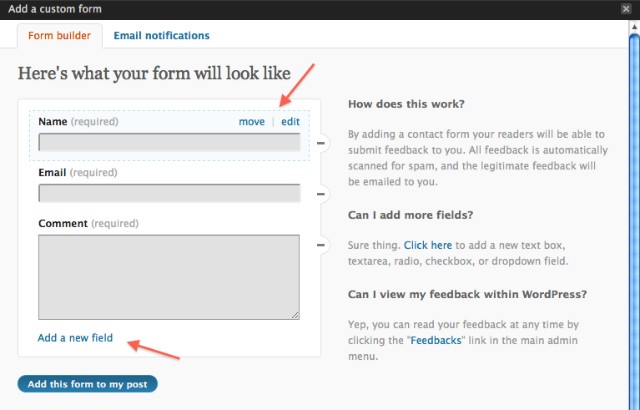
Visual Form Builder
You have heard it right! A plugin that works the same way as a highly customizable drag-and-drop website builder.
Visual Form Builder helps you create forms effortlessly, adding fields, including multiple field layouts and elements into a form, which is super easy with this plugin.
It has a unique feature, unlike any other form builder, which automatically stores all your form entries into the WordPress database, which can be accessed and even exported to a CSV later.
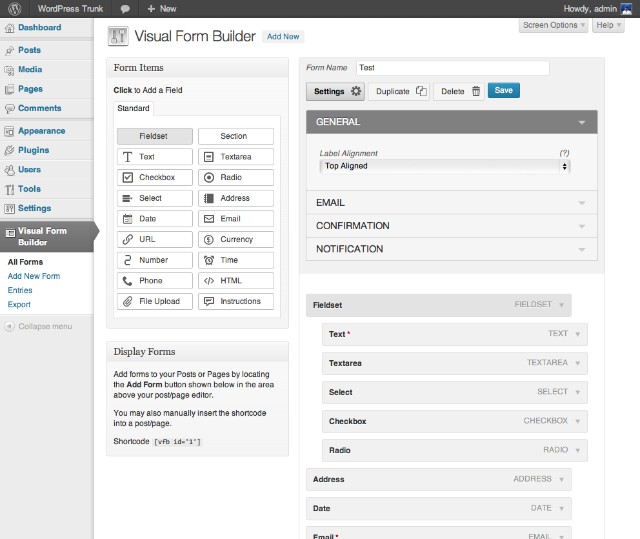
FormCraft
When thinking about responsive contact form plugins, the first plugin that comes to mind is FormCraft. Offering both free and paid versions, this plugin can provide almost all the features a user needs to build some wonderful forms on their WordPress website.
Some of the features of FormCraft include a drag-and-drop form builder, support for custom HTML, importing and exporting form templates, form validation, and multi-language support.
With the premium version, you will get access to some unique but handy features like conditional logic, auto-save form feature, and Integrations for popular services like MailChimp, GetResponse, etc.
Embed popup forms, customized autoresponders, and much more!
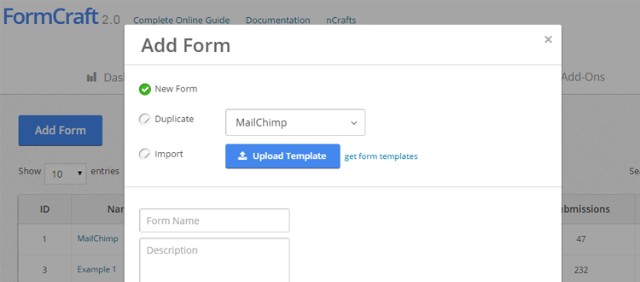
Form Maker
Form Maker is another plugin that offers both free and paid versions it featuring a user-friendly drag and drop interface, text input, simple and arithmetic captcha, Google ReCaptcha, custom buttons, and custom HTML.
It also provides a variety of amazing-looking themes to choose from, and with almost limitless customizable options with its custom HTML and CSS editor.
Other unique features include file uploads, Google Maps and not only that, Form Maker also supports popular payment gateways like PayPal on user-made forms.
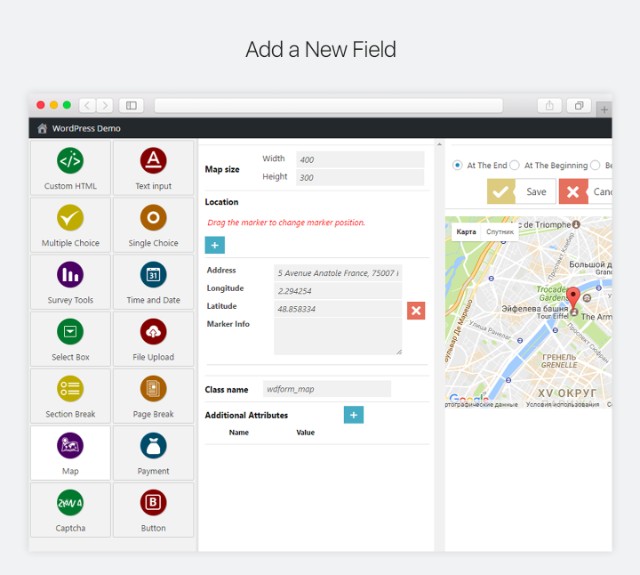
QuForm
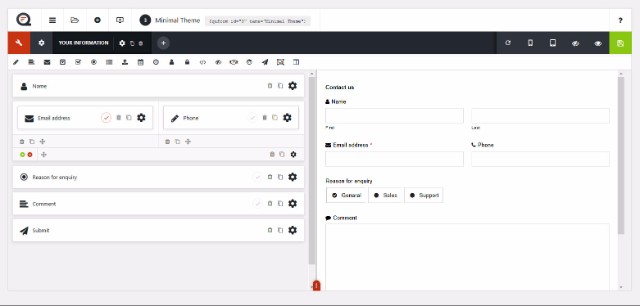
Another plugin amongst the premium contact form plugin segment, which offers all the advanced features you would look for in a premium contact form plugin.
It features a live form builder, unlimited form creations, SMTP, reCAPTCHA, and the best thing about this plugin, which makes it stand out in the crowd, is the responsiveness, as not every contact form built with other plugins always works perfectly on all kinds of devices.
You can buy this plugin for $28 and start creating some great forms for your WordPress website!
Contact Form Builder
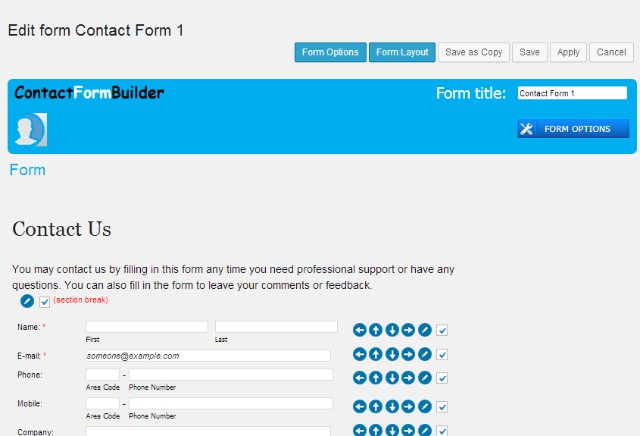
Your next stop to creating free, beautiful-looking forms for your WordPress website users. This plugin includes all field types required to design any kind of form.
It has an integrated Google Maps feature, reCAPTCHA, SMTP, and also supports displaying custom text after the form has been submitted.
The CSS editor of this plugin lets you add your WordPress website theme files to match your form’s design with the theme of your website.
You can also customize colors, dimensions, and other features and get the design of your choice on your forms, and the best part is that it is available free of cost!
Conclusion:
There are a lot of Contact Form WordPress plugins available that you can use to create contact forms for your WordPress website.
But the ones mentioned in this article are the most popular plugins for creating professional contact forms without breaking a sweat.
These plugins will make your life easier, whether you want to build a contact form for your personal or professional WordPress website.
Let us know which plugin you have used from our list to create amazing contact forms in the comment section below!

This article is written by Begindot editorial staff. If you wish to contribute, Contact Us here