






Here are the Best TeamViewer Alternatives for Remote Access
1. AnyDesk
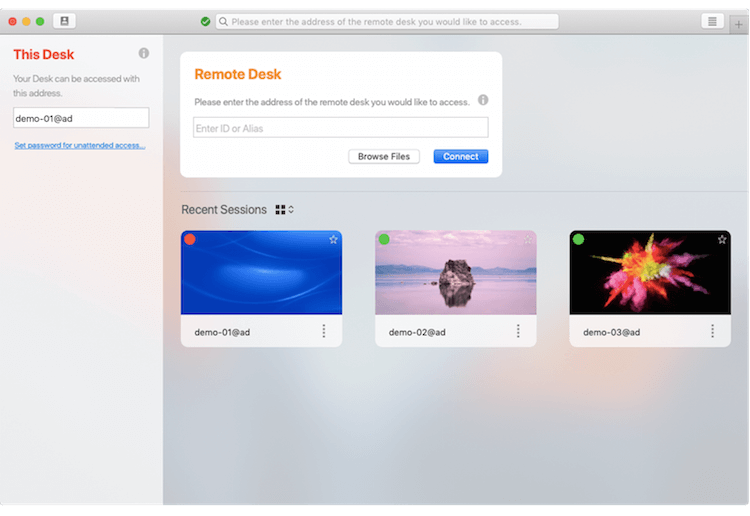
The first name amongst the best TeamViewer alternatives is that of AnyDesk. It encompasses several features that make its innate functionality very useful and reliable to its users.
Its allowance for you to access any device from anywhere you want is probably the most enticing feature, apart from the software taking pride in its fastest data transmission rates, which stand at 60 FPS.
Owing to its flexibility, it supports all big house names like Windows, iOS, Android, and Linux. With AnyDesk, you can be assured of safety and data security that can be attributed to its TLS 1.2 technology, coupled with RSA asymmetric encryption.
- Cross-platform compatibility
- Low latency and fastest data transmission
- Availability of the free version
- Features like file browser mode, session recording, and custom alias
2. Zoho Assist
While TeamViewer dominated the market, there were several software that took its place after its fall, and one such was Zoho Assist.
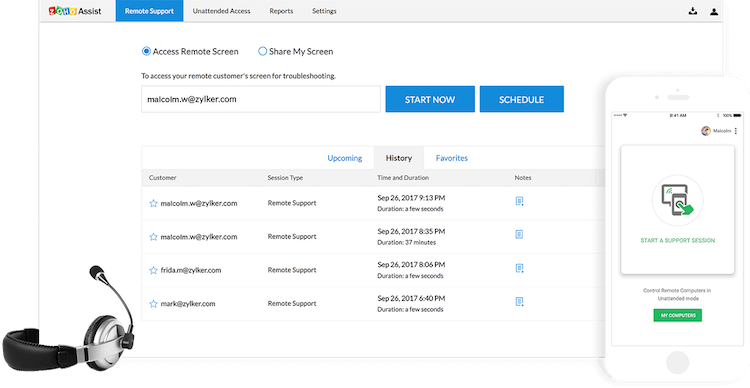
Its wide array of expansive features makes it a suitable contender for TeamViewer. Its screen-sharing option lets you swap screens and schedule sessions, and the cross-browser support vouches for its versatility.
It is accepted that you have a lot of needs and requirements in terms of your business, and the developers saw this through and included the customization feature.
This gives you more authority over the software and enhances your user experience.
Its essential function is that it lets you access and control any computer anywhere in the world, promising you unattended access.
- Prioritized security, as it’s one of the secure solutions
- Browser-based sessions with reasonable pricing
- New versions with advanced features
- Highly responsive
3. Parallels Access
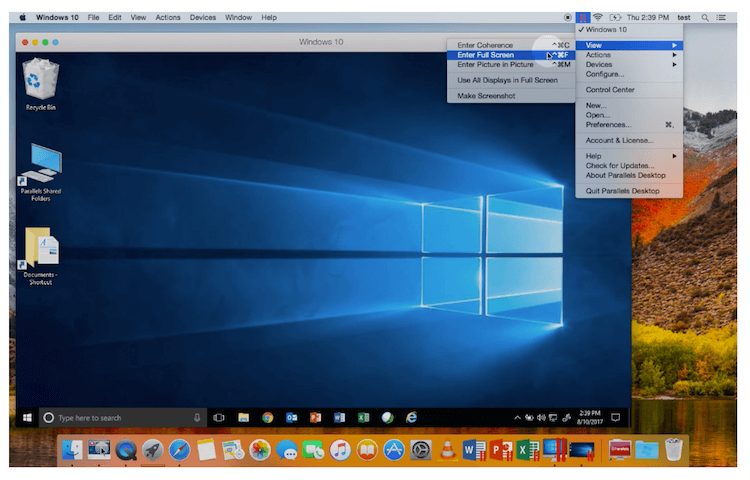
Known to provide one of the simplest and fastest remote access services, Parallels Access grants access to all your files, data, applications, and computers wherever you are.
This easily navigable software takes pride in its mobile application. While most desktop software in the industry comes with mobile-viewing compatibility to ensure you have access at your fingertips, this tool is known to have the best browsing experience that users have vouched for.
With features like comprehensive application technology and the ability to copy-paste files and text, this software is largely useful and a suitable alternative.
- Full window mode for apps
- Gesture support
- Precise touch control for mobile viewing
- Easy to interact with desktop apps
4. Cloudberry
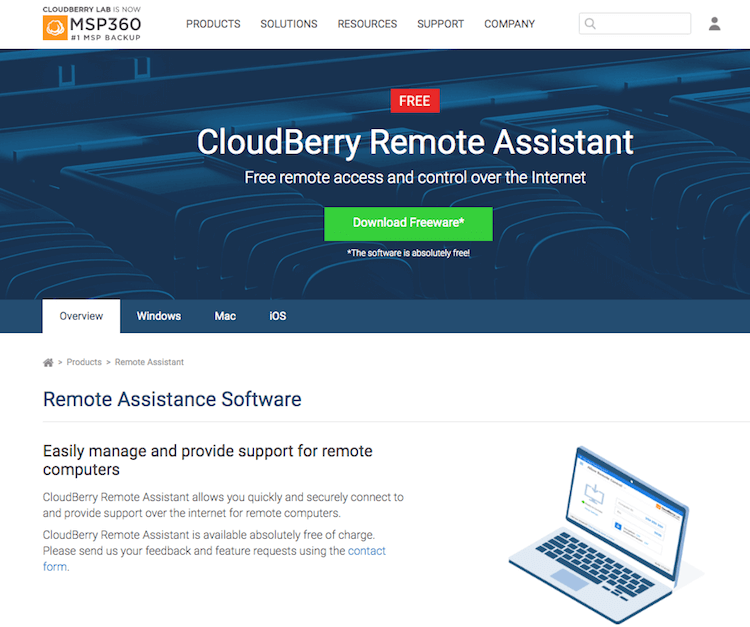
The Cloudberry Remote assistant, reveling in its RSA algorithm encryption, has the ability to record sessions while the normal channels are backed with an SSL encryption.
This doubles your data safety, and Cloudberry also offers text and voice chats with a secure established within a matter of seconds.
One of the best alternatives is easily navigable, and its free software can be used with expertise even by beginners.
You can transfer files and other media of data hassle-free to any remote device across the world.
- Works well with Internet Service Providers
- SSL and RSA encryption
- Text and voice chats
- Optimized for instantaneous support
5. RemotePC
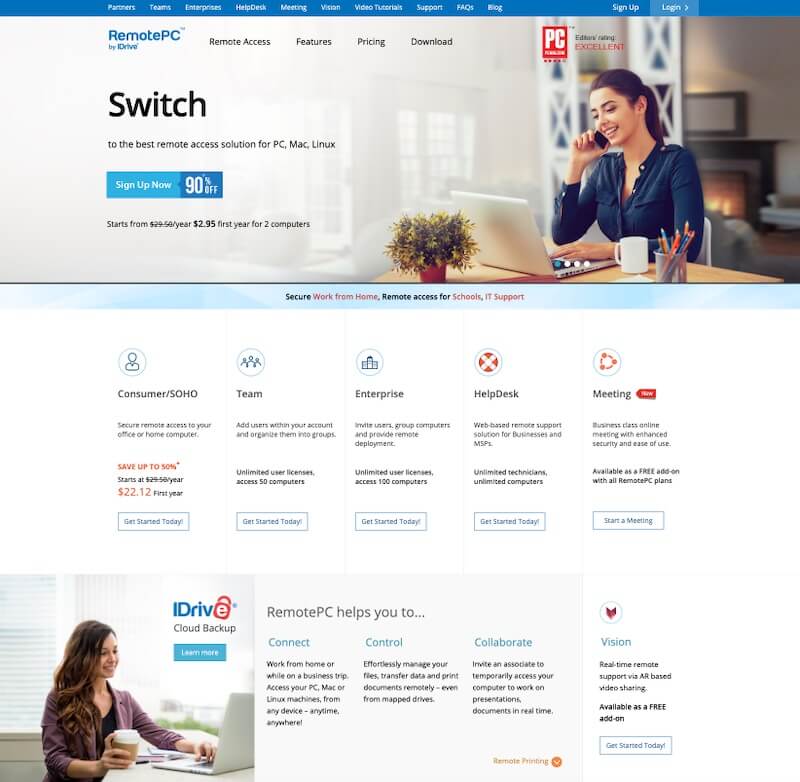
RemotePC is another big name when it comes to accessing remote systems. With the percentage of working from home and remote working culture increasing, the use of software like RemotePC is also increasing.
With this software, you can have remote access to your computer from your office or at home whenever you need it. Or if you need to access the computer of your team members, you can easily get that done with RemotePC.
- Easy to use
- Access to multiple computers
- Easy team collaboration
- Different plans as per your needs
6. LogMeIn
LogMeIn has proven itself to be an increasingly powerful replacement for AskDesk, and its options to store, share, and collaborate on files from any device substantiate this.
With functions essayed with a single click, this software can provide remote access to users to their personal computers through verified and secure channels to help them carry out their work.
For working professionals whose entire occupation depends on their system and yet have to work remotely, this is a great option. One can also share files without the risk of external data theft and is also privy to 1TB free of cost cloud storage!
- East installation and set-up
- Whiteboard support and easy file transfer
- Can record sessions
- Unfettered access to all files
7. Goverlan Reach
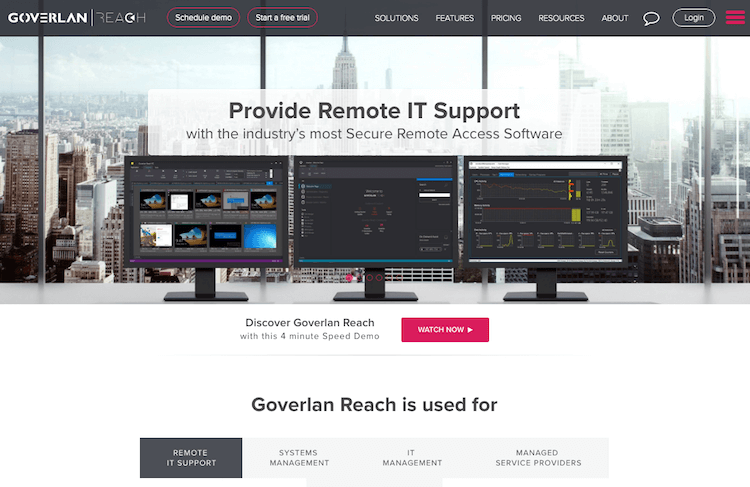
Boasting its IT management, this software proves why it is a viable replacement for TeamViewer.
For users scouring the net for business solutions to streamline their desktop support and consolidate their system management tasks, Goverlan Reach can offer a variety of unique features ready to tap into.
With easy installation and reasonable pricing that will more or less fit into your budget, Goverlan is worth your time owing to its ability to provide IT support to all kinds of devices across the world.
- It is perfect for employees who are spread across regions with local ISPs and work remotely.
- Advanced remote control
- IT process automation, reporting, and global configuration
- Active directory management
- Background system and directory management
8. Spalshtop
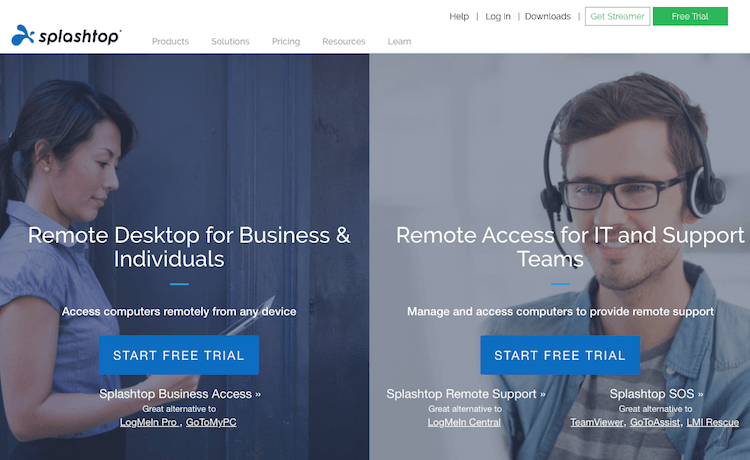
Catering to all your needs and necessities regarding remote access, Splashtop is an ideal and reliable software.
With thousands of regular and satisfied customers, this software heavily relies on establishing and maintaining your security for file transfer and unhindered access to data through any device you want.
With their sessions encrypted with TLS and 256-bit AES encryption, there is the assurance of absolute protection that is further coupled with device authentication and 2-step verifications. It allows helpdesks and MSPs for ad-hoc provision to clients.
- High value for safety and privacy
- Cheapest for personal usage
- Easy to use, and HD videos and audio
- Easy to deploy
9. Supremo
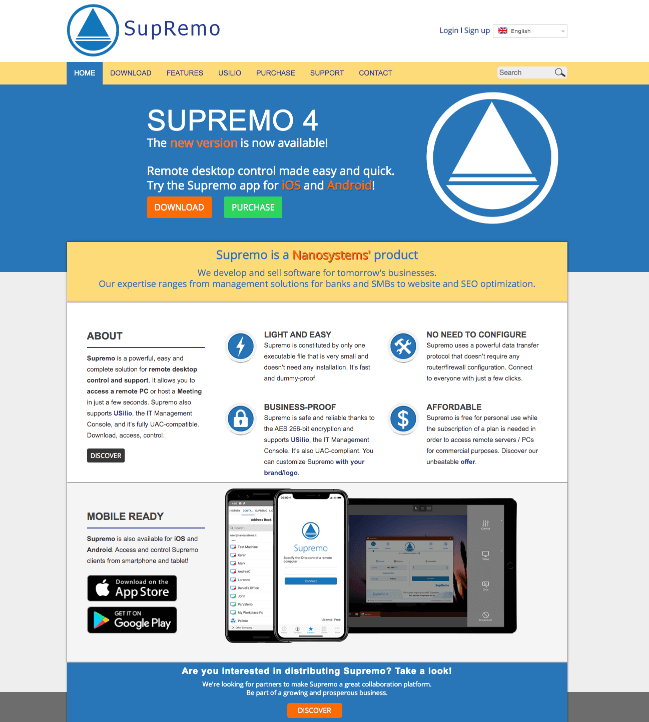
Having branded itself as a ‘powerful, easy and complete solution’ in the market for remote desktop access and control, Supremo sure does live up to its name.
From accessing a device to even hosting meetings, this software can do much more like its ability to customize the interface to display your company logo, which is not available with TeamViewer.
Its AES 256-bit encryption assures your safety, and its data transfer does not require a firewall configuration, thus simplifying and quickening the process.
- Freely uses local networks
- Integrated address book
- Modern UI and no installation are required
10. Chrome Remote Desktop
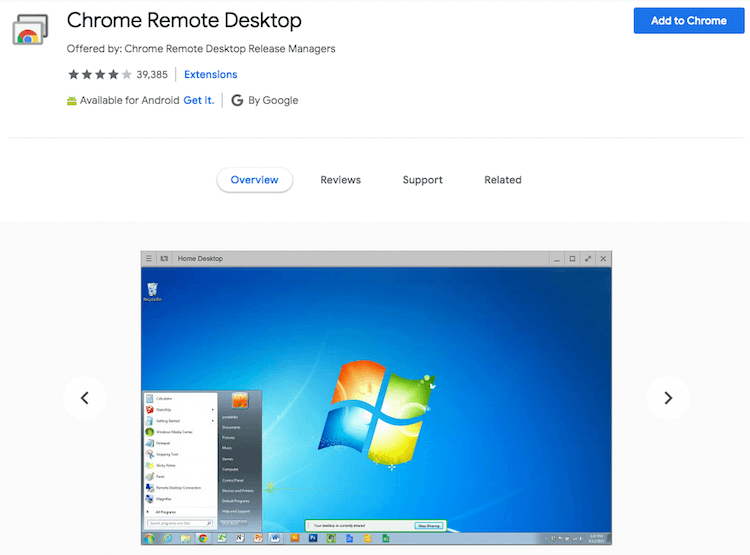
This free software entails remote access to personal computers or other devices, either through a Chromebook or the Chrome browser.
For situations like ad-hoc remote support or something for the long haul, computers are made accessible purely on a short-term basis. It houses several similarities to TeamViewer and executes all its functions with the same flair and ease.
Its cross-browser compatibility also allows accessibility through various systems and devices.
It comes with end-to-end encryption. This highly functional software values user privacy and holds it with high regard, and offers end-to-end encryption options.
- Easy configuration and installation
- Free software
- Available for all major platforms
11. Join.me
Known largely for its gathering and conferencing tools, the lesser-known fact about Join.Me is that it lets multiple users connect from several remote locations.
It is versatile and flexible to adapt to all browsers and be accessed on a multitude of devices with varied OS. Its high and unlimited sound quality ensures the smooth travel of voice, and that users can connect to the call using any device.
This simple and easy-to-use software has features lined up right at your fingertips because you can initiate a call, schedule a meeting, or record with a simple click.
It takes pride in the 40 countries where its services are most prevalent.
- Presented swap screens
- Allows up to 250 participants at a time
- Personal and professional use for remote access
- Enterprise programs with innovative management

Final Thoughts
All of the aforementioned TeamViewer Alternatives have been faring well in the market and have a community of satisfied users.
These remote desktop software tools come with the best features that new-age technology can conjure, and their assurance of safety can put an end to all your worries.
Therefore, a thorough analysis of all features, availability of options, and evaluation of the budget is necessary for you to make the best choice, and our elaborate list has already made half of your work easier!

This article is written by Begindot editorial staff. If you wish to contribute, Contact Us here


