






Here are some of the best Google Analytics Alternatives.
1. Kissmetrics
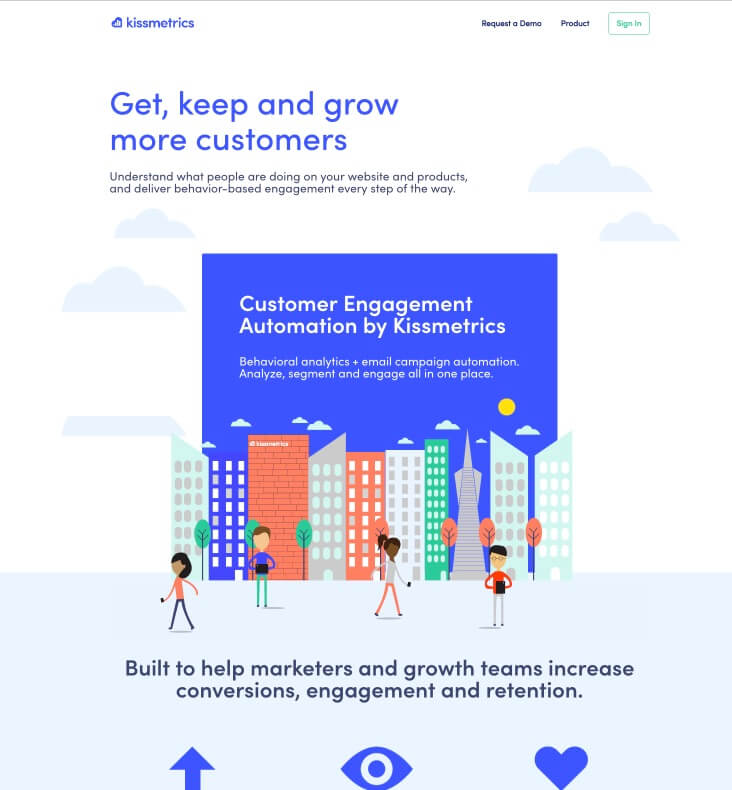
A well-known name among marketers, Kissmetrics is a very useful analytics tool for marketers to increase conversion.
Kissmetrics can give you in-depth data on what’s happening on your site. It can provide you with very specific data on where your audience is engaging on your site to further optimize your conversion.
Kissmetrics data is more in-depth than Google Analytics in terms of user journey on your site. You get a complete, clear picture of every user who lands on your site.
It can also help you to optimize your website’s bounce rate by helping you to understand where your users are dropping dropped.
So, overall, Kissmetrics can be a very handy analytics tool if you are selling any product or services through your website.
2. Matomo
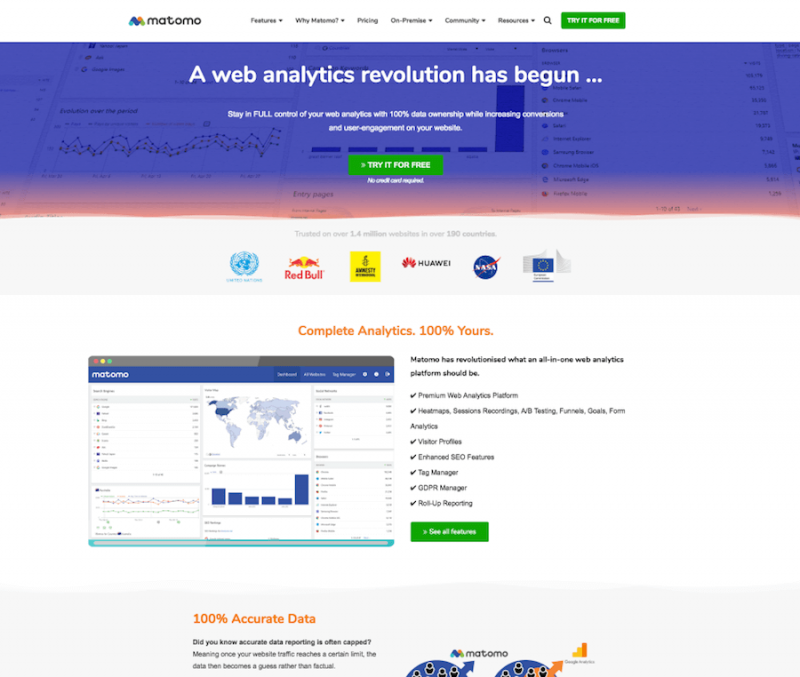
Matomo is a distinct analytics program because of how the analytics data produced is hosted. Formerly known as Piwik, Matomo works in that it will host the analytics information on your site.
That is, you don’t have to rely on Google to host the results for you. This point is useful in that you’re more likely to get accurate details or results out of your content when you use Matomo.
The idea of storing the data on your own server is worth noting. You can keep your data protected and secure from other people thanks to the design that Matomo uses for its operation. This is a simple operation that doesn’t take much time to work with.
3. Clicky
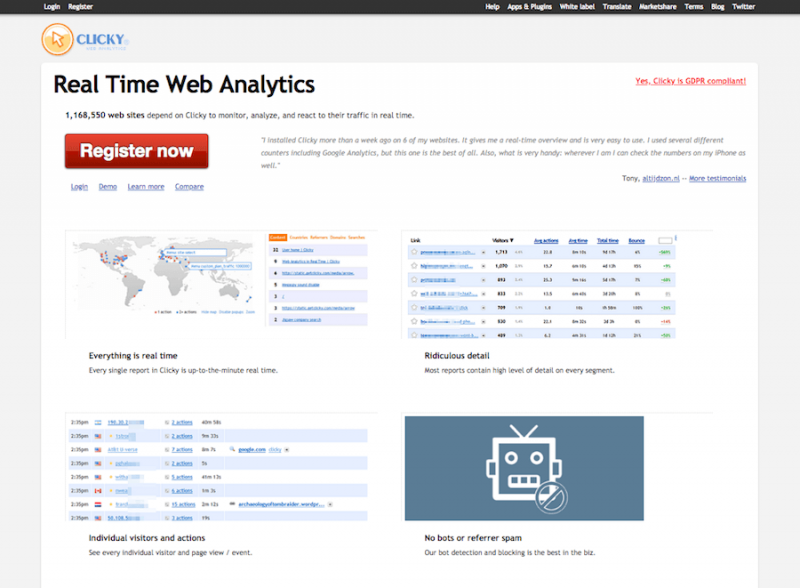
Not all people have access to Flash technology. Of course, Flash can be difficult to load on some computers that already have it. Google Analytics needs Flash for it to work. But Clicky is different in that you won’t have to worry about using a Flash download to make it work.
Clicky does not require Flash, but that is only the start of what makes Clicky useful. Clicky works with a setup that makes it easy to follow.
You won’t have to worry about complex data all over the place, including ridiculous forms of data that may not be relevant to your work. The streamlined approach that Clicky uses makes more sense for your use.
4. StatCounter
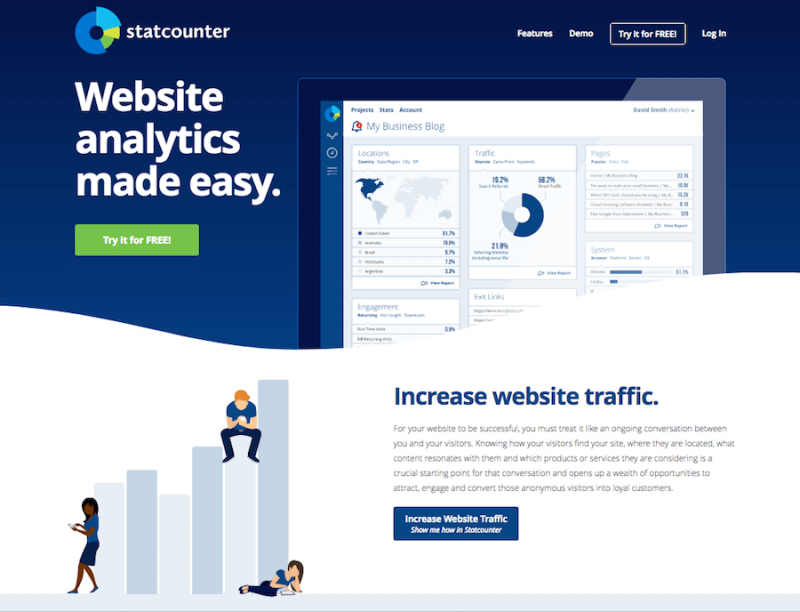
You can use StatCounter if you have a smaller site that does not get too many page views in a month. StateCounter is made for giving you general analytics surrounding which pages are popular for use and which pages people enter and exit your site through.
The engagement points surrounding downloads, how many times someone visits a site, and the length of a visit are all features that will help you identify what’s happening online.
You can use this quite well to get the most out of the content you want to plan out.
5. W3Counter
W3Counter is an ad-supported program for analytics needs, although you can pay extra to get an ad-free version that offers a few extra features and controls for your convenience.
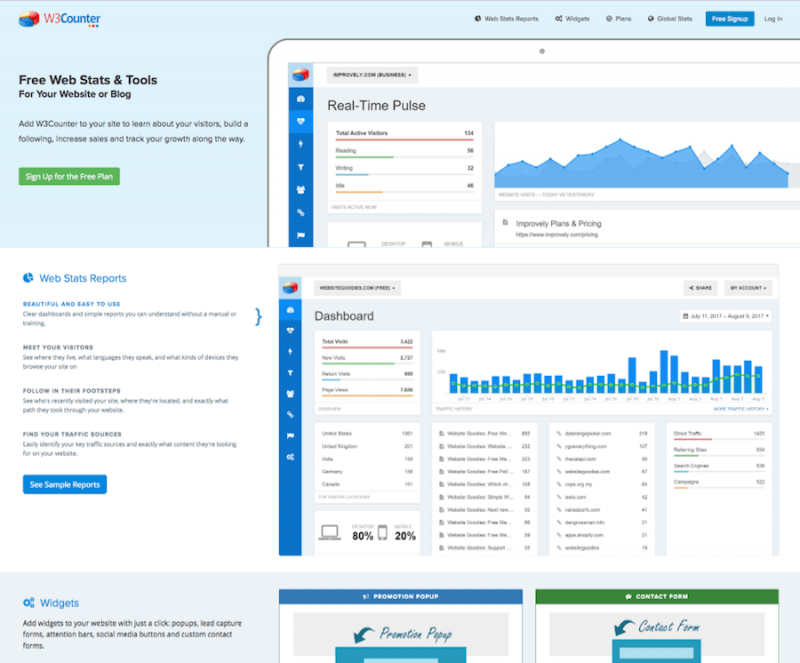
The map-based feature on W3Counter will help you identify where people are coming from and how they are using your site. This could work if you’re attempting to target people from specific markets.
What is also interesting is that the dashboard lets you review the last couple of page views that you get. You will find information on IP addresses and other bits of data surrounding the people who are on your site.
The work will never personally identify anyone who comes on your site, thus ensuring you will meet all security and data protection protocols that you need to follow.
6. Mixpanel
Mixpanel produces various behavior analytics programs that are easy to program and prepare. You can use the Mixpanel setup for marketing and data needs.
The data segmentation feature works with many visualizations to help you analyze the content you wish to use. Various annotations may be utilized as you keep tabs on many points listed in the program.

7. Heap
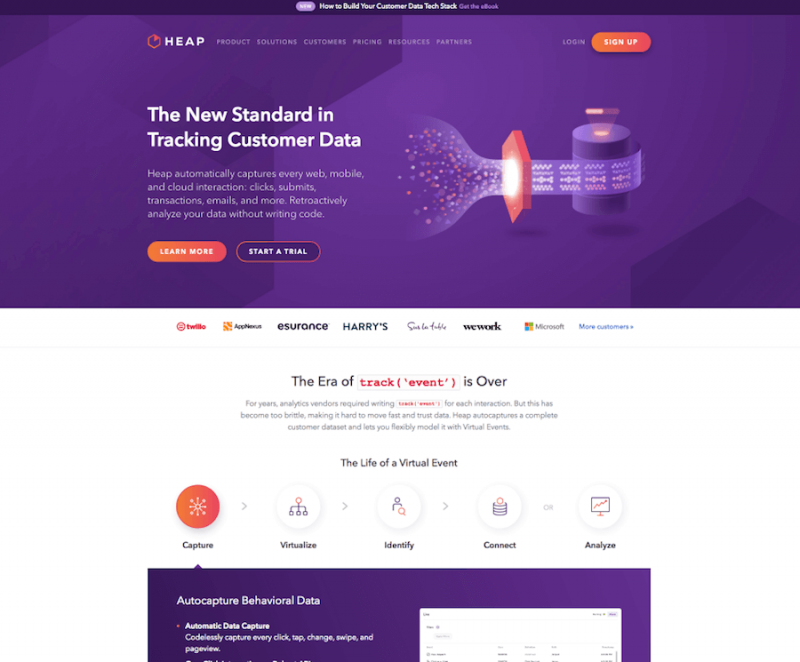
Heap is an exciting option to see when you’re looking to keep tabs on your data. Heap works with many cloud interaction and mobile reviewing functions for your use. The setup that Heap uses is sensible and provides a non-technical approach to managing your content.
A great part of Heap is that it lets you track events and results based on those events. The detailed support that Heap provides will simplify how well the data you work with is used.
This should be essential for reviewing any new programs you are planning out. You can track details on how changes to those programs are coming about, thus simplifying the points that you’re managing for your work at large.
8. Adobe Analytics
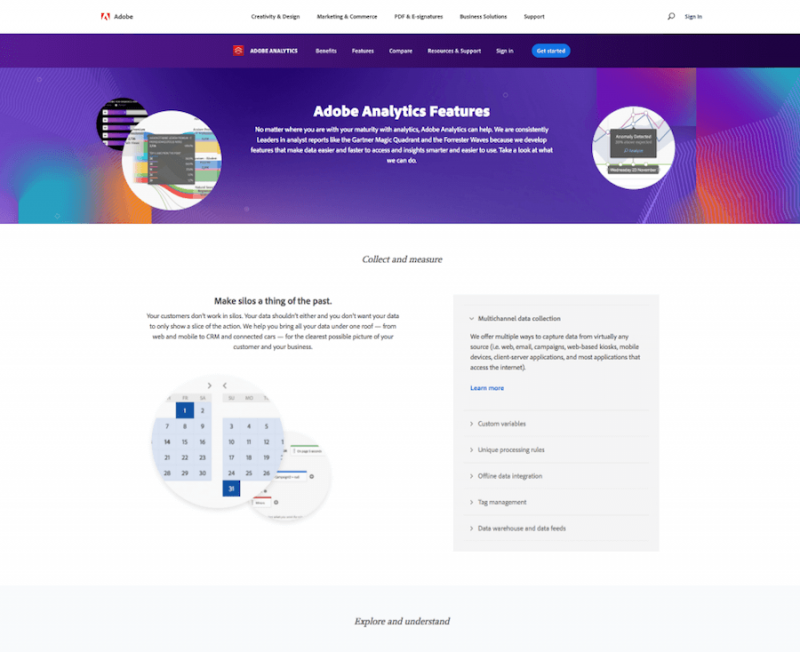
Adobe Analytics is a convenient tool that is made for larger businesses. The program works with mobile and website analytics features.
The automation setup also helps you to keep tabs on what you’re doing online. This is useful for many large entities, although this one might work best if you have lots of extremely specific bits of data to work with.
9. Open Web Analytics
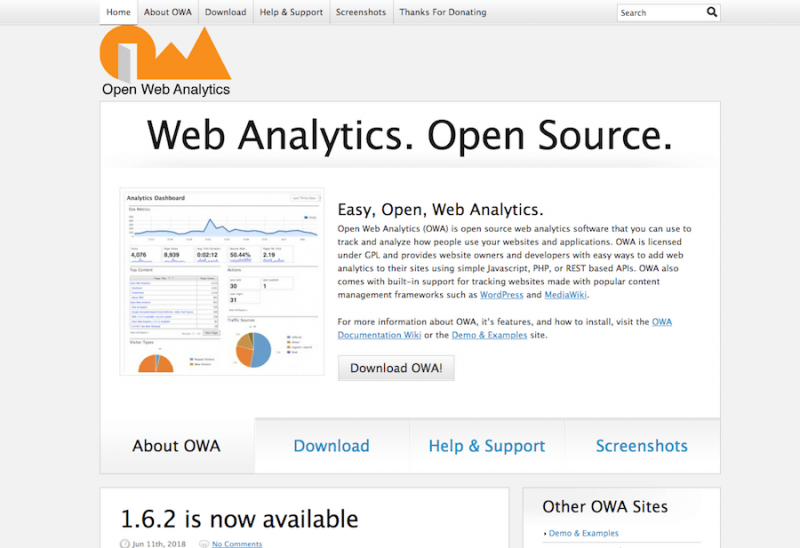
Not all programs that you can use instead of Google Analytics have to cost extra for you to utilize. You can use the Open Web Analytics program to help you make the most out of your analytical efforts without spending extra.
OWA is an open source option that works with JavaScript, REST, and PHP-based APIs. You can analyze individual visitors and locations alongside search terms. The OWA setup provides a secure data setup that is specific and controlled to your liking.
10. Gauges
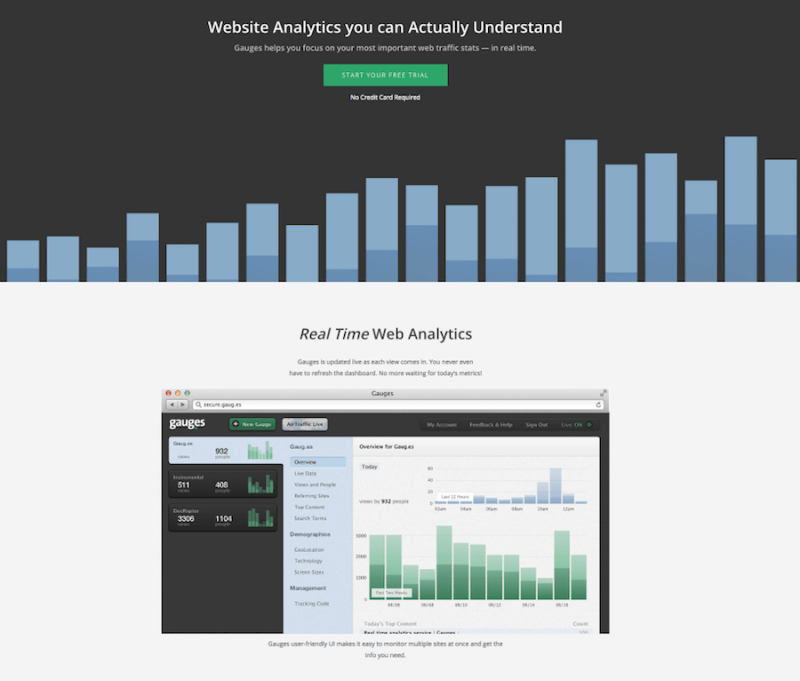
Gauges use a real-time approach for handling analytics. You don’t have to refresh the dashboard on your program to make it work. The program is updated with each live page read.
You can review data on referring sites, tracking codes, and demographics relating to screen sizes and technology points. The specifics included through Gauges are simple to access and more detailed than what you might expect elsewhere.
11. IBM Analytics
Your last option should be noted based on the specific things you want to do for your site or the business industry you are in. IBM Analytics is available with different platforms for businesses of varying sizes and in different industries.
The information that IBM Analytics covers when getting its programs handled right is varied and should be noted well.
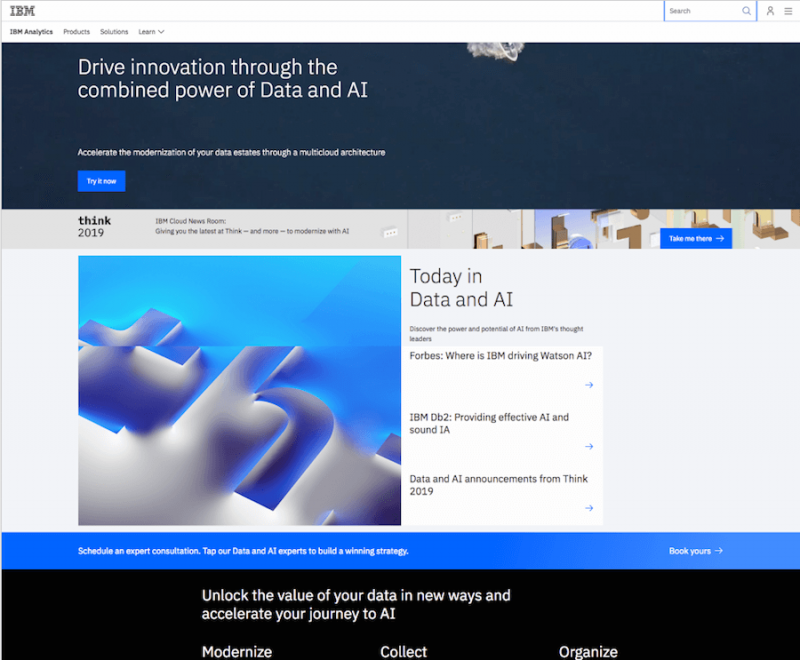
The content works with AI and multi-cloud setups to review the analytics for your site from every angle. You can also use AI to collect data and to organize the content based on the fields through which your work is to be checked.
The comprehensive approach that IBM Analytics offers is worth noting. But this only works if you have a simple setup that is not hard to use.
Final Word
Each of the Google Analytics alternatives that you can work with is worth noting. See how well each of these Google Analytics alternatives can work for you if you’re aiming to give your data a boost.
The plans that you use should be planned out well, carefully arranged, and you should have an idea of where you’re going to follow with your work.

This article is written by Begindot editorial staff. If you wish to contribute, Contact Us here


